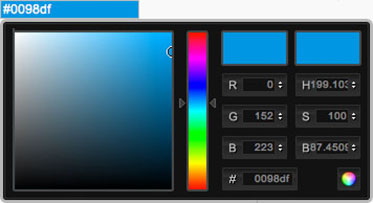
Unlimited color options! Select colors and make your template unique! This is useful if you want to match the main template color with your company logo or brand. All our templates come with several pre-defined color schemes.
To get to the parameters in your Joomla Admin go to: Extensions > Template Manager and click on the template name. Beside many other parameters, here you can select colors. The template colors can be selected using a handy palette tool or entered manually in hexadecimal format (combination of 6 letters and numbers). If you don't have Photoshop, Fireworks or similar application, Color Combos can help you to find out the hexadecimal code of your color.
Change few options in template parameters and... Boom! You got template with completely new experience!
Newer versions of Joomla (after 1.6) have a nice new feature in template manager. It's possible to save multiple template styles! If you are using a template that has many parameters (like our templates), and you wish to use different template settings for Page A and Page B, it's now possible. Please read Joomla template styles from our Blog to learn more about this.